Boost your research impact with the click of a button
When logged into your Symplectic Elements account and reviewing your “My research outputs”, have you ever noticed the “Deposit button?
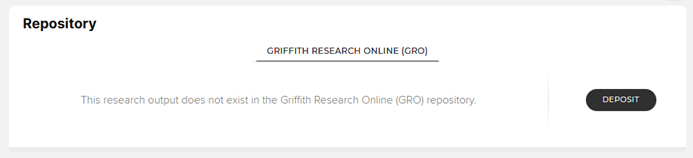
Simply by clicking this button, you can make your research more visible and accessible to global audiences!
How does it work?
When you click ‘Deposit’, a record of the research output is sent to Griffith’s institutional repository, Griffith Research Online (GRO).
The deposit function also allows you to attach a file, making it available through GRO. We recommend always attaching the accepted manuscript version of your research when you deposit, as the this is the version publishers often allow to be uploaded to institutional repositories like GRO. Don’t underestimate the power of this step—it’s key to providing the public with free, legal access to full-text copies of paywalled research!
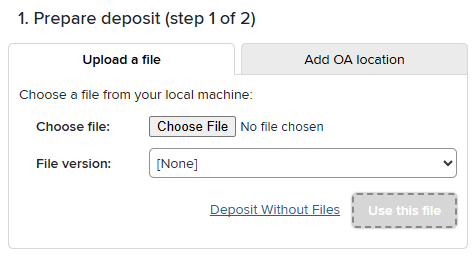
After you have deposited your research output, Library staff will review the record to ensure record quality. We also check that any file you’ve attached complies with the relevant publisher policies, so you can deposit your accepted manuscript worry-free.
Once the record is in GRO it is automatically indexed by Google, Google Scholar, UnPaywall and Trove to expand the reach, visibility and impact of your research.
All of this only takes a click or two—so next time you’re in Symplectic Elements, don’t forget to hit that ‘Deposit’ button!
Learn more about how to deposit to GRO.